See the AI on any website.
A free Chrome extension that shows what a stranger can make your AI chatbot do, and how to fix it.
- Chat endpoints anyone can resend, and what that costs you at list prices
- The tools your AI can be talked into calling, and the data anyone can reach
- AI keys leaked in page code, and LLM APIs called straight from the browser
- Vibe-coded backends with open tables, with the fix written for your site
- A Profile tab with the site's public setup: DNS, hosting, headers, third parties, email
Scout reads what the page already loaded. Nothing about you or the page is sent to Kipra.
Get Scout
Leave your email and the download starts right away.
Chrome, Edge, Brave and other Chromium browsers. Version 1.6.0.
Your download has started.
Didn't start? Get a fresh download link
Install in five steps
- Unzip
kipra-scout.zipinto a folder you'll keep. - Open
chrome://extensionsin a new tab. - Turn on Developer mode (top right).
- Click Load unpacked.
- Pick the unzipped folder. Pin Scout from the puzzle icon and open any site.
Scout isn't on the Chrome Web Store yet, so Chrome installs it this way. Keep the folder: removing it removes Scout.
What Scout shows you.
At most five items to review, in order, each with fix steps for your site and ticket text to paste into GitHub, Linear or Jira.
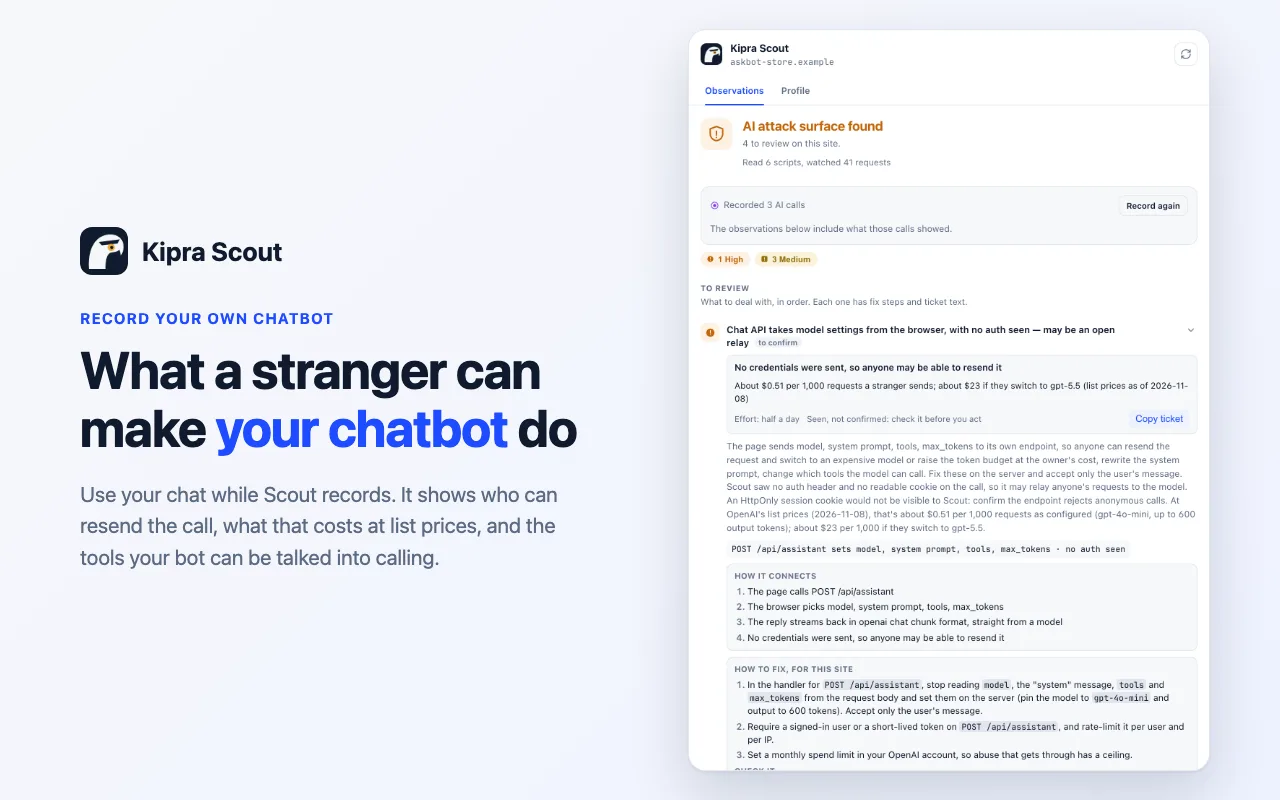
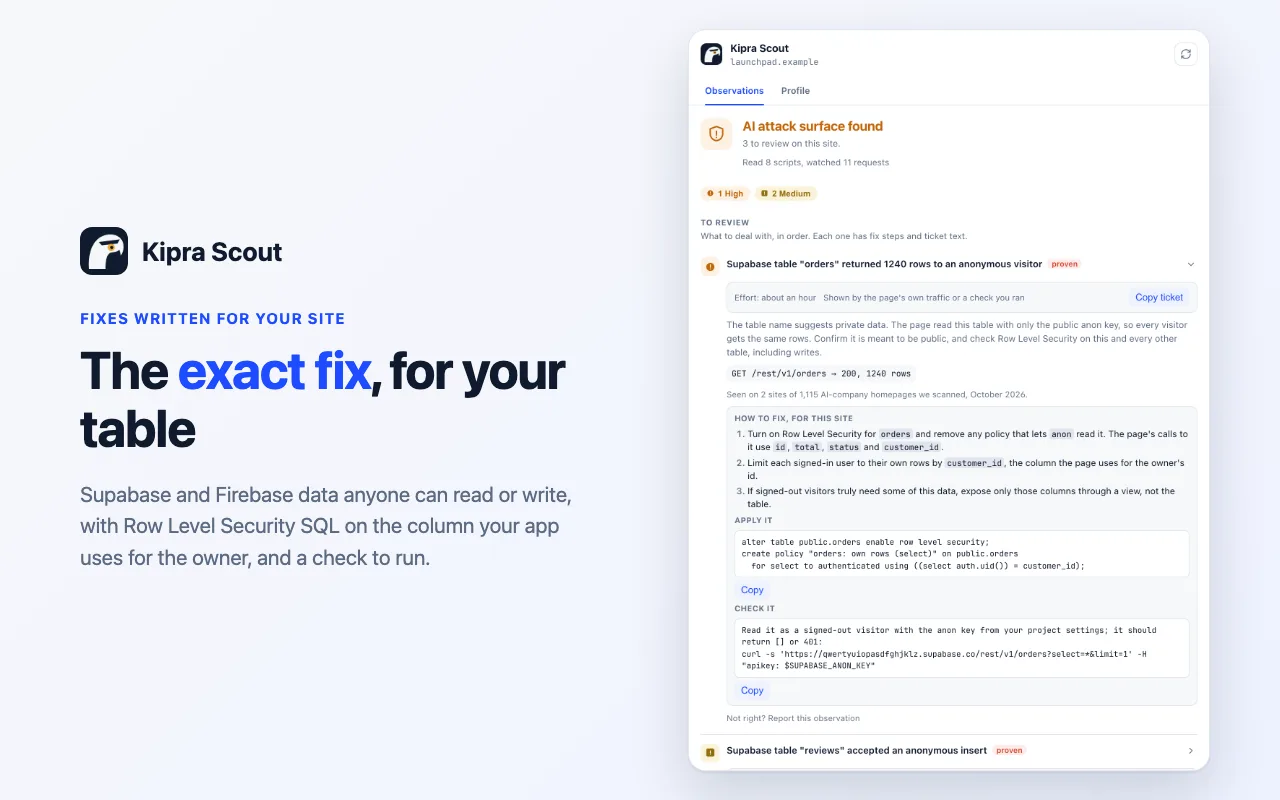
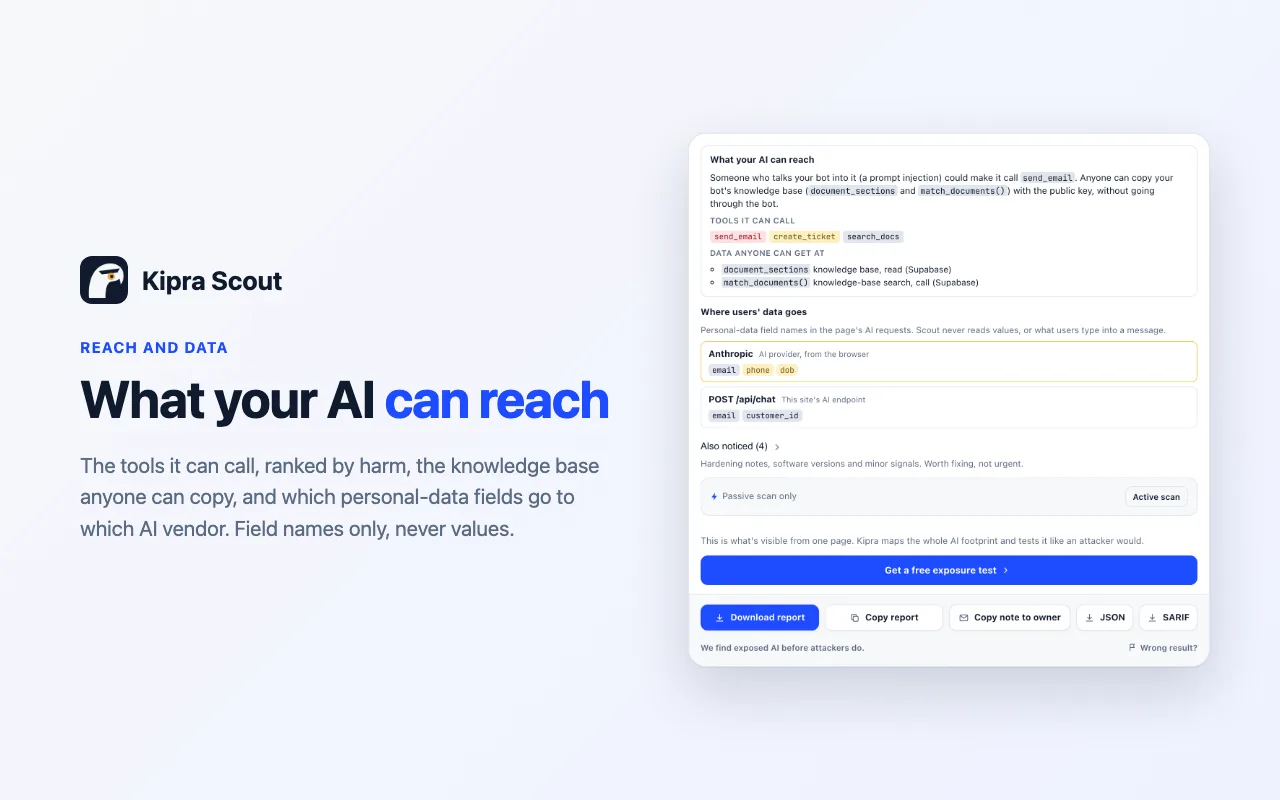
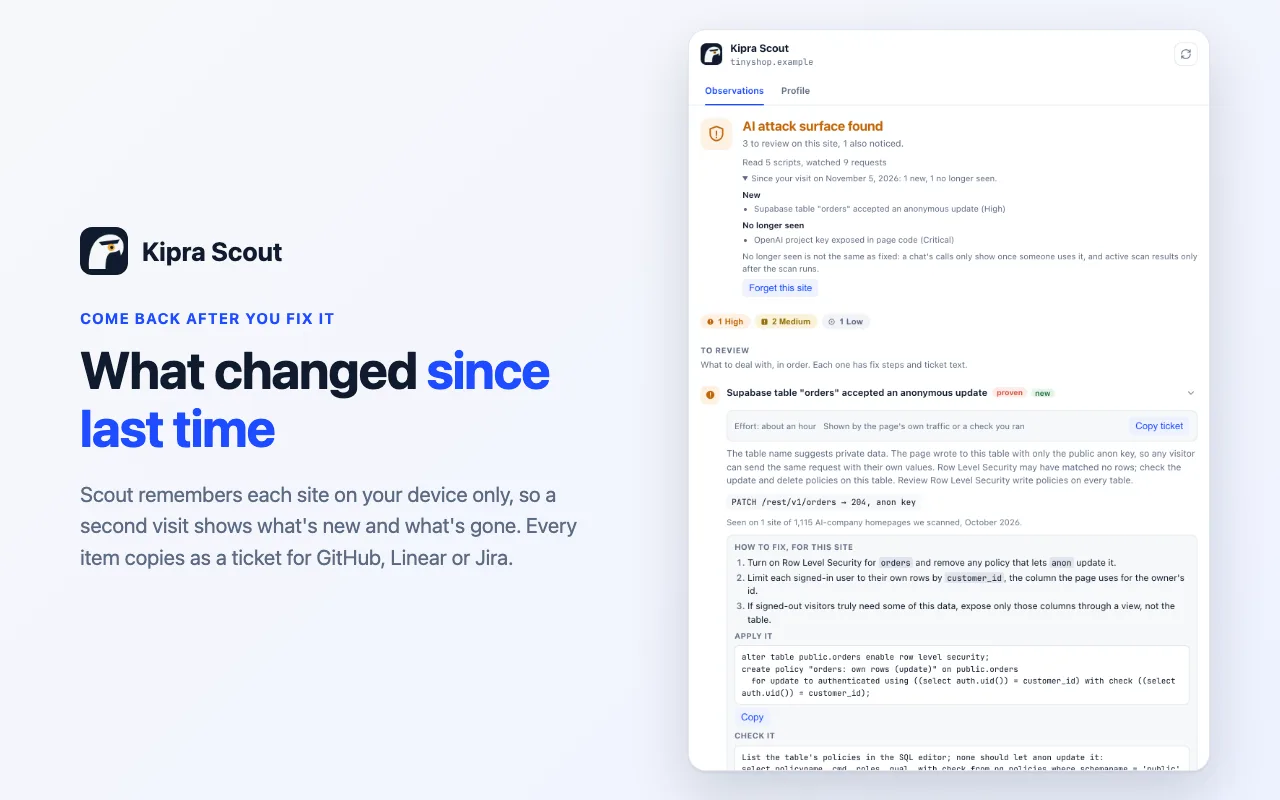
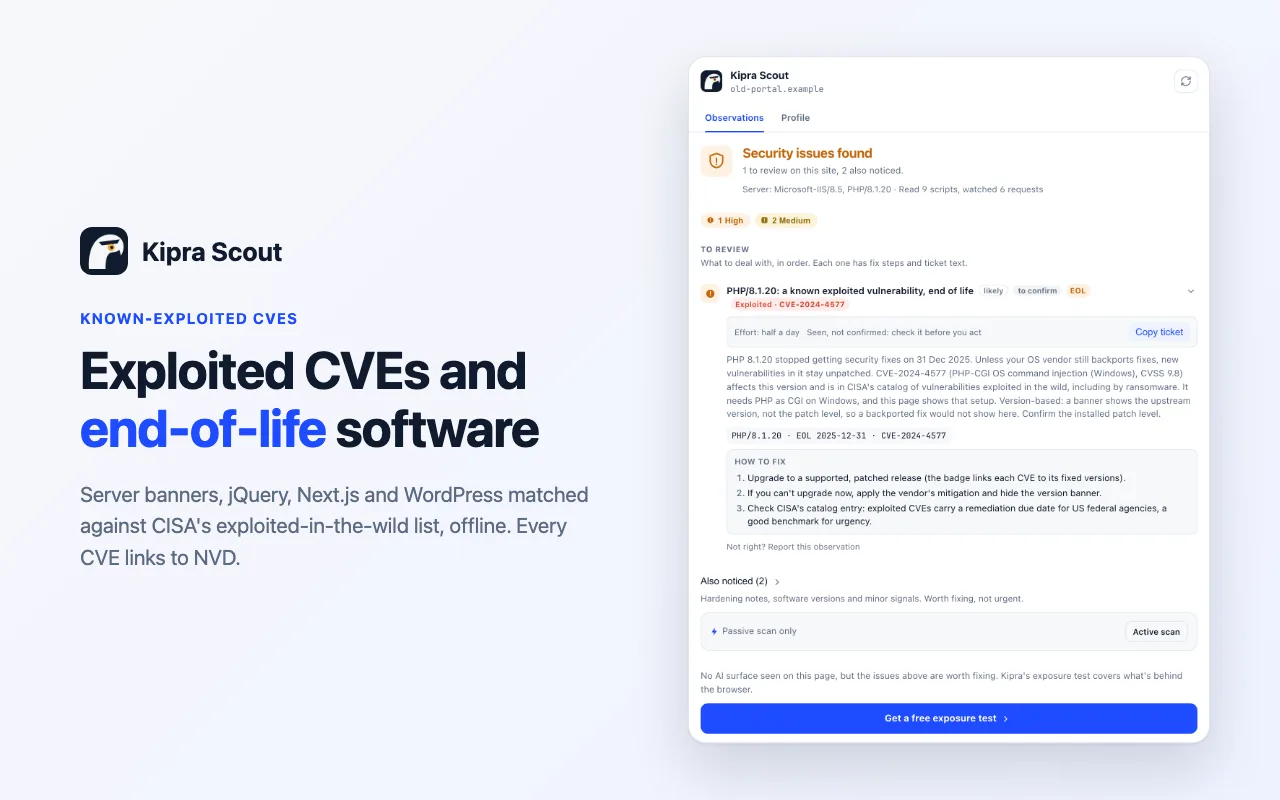
What it finds.
Scout watches what the page actually does and reports an observation only when the evidence supports it. Each one is marked proven or to confirm.
Critical
AI provider keys (OpenAI, Anthropic, Groq, Hugging Face, xAI…), Supabase service keys, Stripe secret keys, database URLs with a password, .env or .git served live.
High
A provider API called from the browser, a chat endpoint where the browser picks the model or system prompt with no credentials, MCP or Ollama answering anonymously, Supabase tables written with the public key.
Medium
Hidden instructions planted for AI agents, a system prompt in page code, exploited CVEs that may apply, end-of-life server software.
Low
Chat widgets, in-browser models, published source maps, missing security headers.
Private by design.
Always on
Reads what the page already loaded: scripts, DOM and the shapes of its requests (field names, never content). Sends nothing to Kipra or anyone else.
Profile tab
When you open it, at most once a day per site, Scout looks up the site's public records by host name. Never the page URL, cookies or anything about you.
Active scan
Only after you click and tick that you own the site or may test it: about 61 read-only GETs to the site's own origin, no cookies.
No accounts, analytics, telemetry or remote code. Results are gone when the tab closes. Full details in the privacy policy.